
The left sidebar has three tabs, with three ways to browse to an entry:
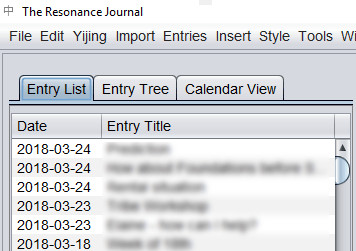
Entry list #
A simple list of entries, with the most recent displayed first.
Entry tree #
Entries sorted into main categories: journal (sorted by date) and looseleaf entries, the Glossary, Yijing translations you add yourself, and the recycle bin:
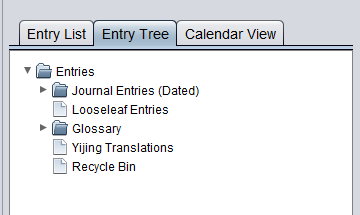
Click the arrow next to a folder to open it and view its contents.
Use this to view sub-entries, review your own Yijing translations and notes, and browse the recycle bin for any entries you want to restore.
Calendar view #
Entries (of all types) in folders for year, month and day.


